
Get satugol on your mobile device
Installation options for satugol
We at satugol offer three paths to access our platform on mobile. Android users can download our dedicated APK directly from our website and install it in seconds. iOS users access satugol through a mobile-optimized web app in Safari or Chrome — no App Store installation needed. Both routes connect you to the full satugol account, live-dealer studios, sportsbook, and payment methods.
Three ways to play on satugol mobile
Android APK download for full app features, iOS web-app for instant browser access, or responsive web design on any phone. Choose the path that suits your device and preference.
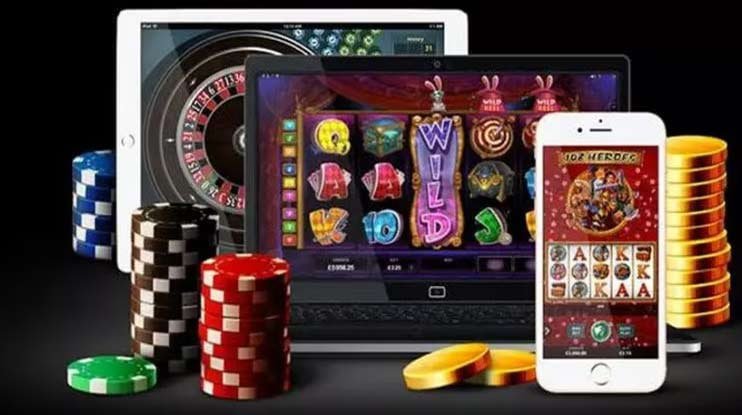
How to install satugol on Android
- Visit satugol.id and tap the Android APK download link from the home page or app section.
- Open your device settings, navigate to Security, and enable "Unknown Sources" to allow installation from outside the Play Store.
- Once the APK downloads, open your Downloads folder and tap the satugol installer file to begin installation.
- After installation completes, launch satugol, sign in with your username or email, and start accessing live tables and sportsbook markets.
How to access satugol on iOS via browser
iOS users can access satugol without downloading an app. Open Safari or Chrome, navigate to satugol.id, and tap the "iOS Web App" link from the app section. Our responsive design adapts perfectly to iPhone and iPad screens, delivering the same live-dealer experience, sportsbook coverage, and payment options as Android users. Bookmark the page for quick access.

Android APK versus web browser on satugol
Our satugol Android app offers dedicated features such as offline game caching, push notifications for live events, faster table loading, and a native feel that integrates with your phone's interface. The web app, used on iOS and Android browsers, provides instant access with no installation step, automatic updates, and compatibility across all devices. Both deliver the full satugol experience — live blackjack, roulette, baccarat, Dragon Tiger, sportsbook markets, and slots — with seamless deposit and withdrawal via DANA, e-wallet, mobile banking, local payment, online payment, e-wallet, mobile banking, local payment, online payment, and e-wallet.
satugol device compatibility and system requirements
We at satugol support Android 7.0 and higher on smartphones and tablets. iOS users can access satugol in any modern browser (Safari, Chrome, Firefox) on iPhone or iPad running iOS 12 or later. Minimum internet connection is 3G; 4G or WiFi recommended for live-dealer streaming. satugol works on older and newer devices, though newer hardware delivers faster table load times and smoother video quality for our live-dealer studios.
Troubleshooting common satugol installation issues
If the Android APK fails to install, verify that Unknown Sources is enabled in your security settings and that you have enough free storage space (at least 50 MB). Some devices require you to confirm installation via a popup notification — check your notification panel. If live-dealer video streams stutter, reduce video quality in the app settings or move closer to your WiFi router. For iOS users, if satugol pages load slowly in Safari, try clearing your browser cache (Settings > Safari > Clear History and Website Data) or switching to Chrome.
Data, permissions, and satugol account security on mobile
Our satugol app requests only essential permissions: internet access for game streaming and payment processing, and camera/microphone if you choose to participate in live-dealer video chat. We do not access your contacts, photos, or location without consent. All satugol account data — username, email, payment methods, transaction history — is encrypted during transmission and stored securely on our servers. Two-factor authentication via SMS adds an extra layer of protection. Enable it in your satugol account settings to prevent unauthorized access. We recommend signing in only on trusted devices and signing out after each session on shared phones.